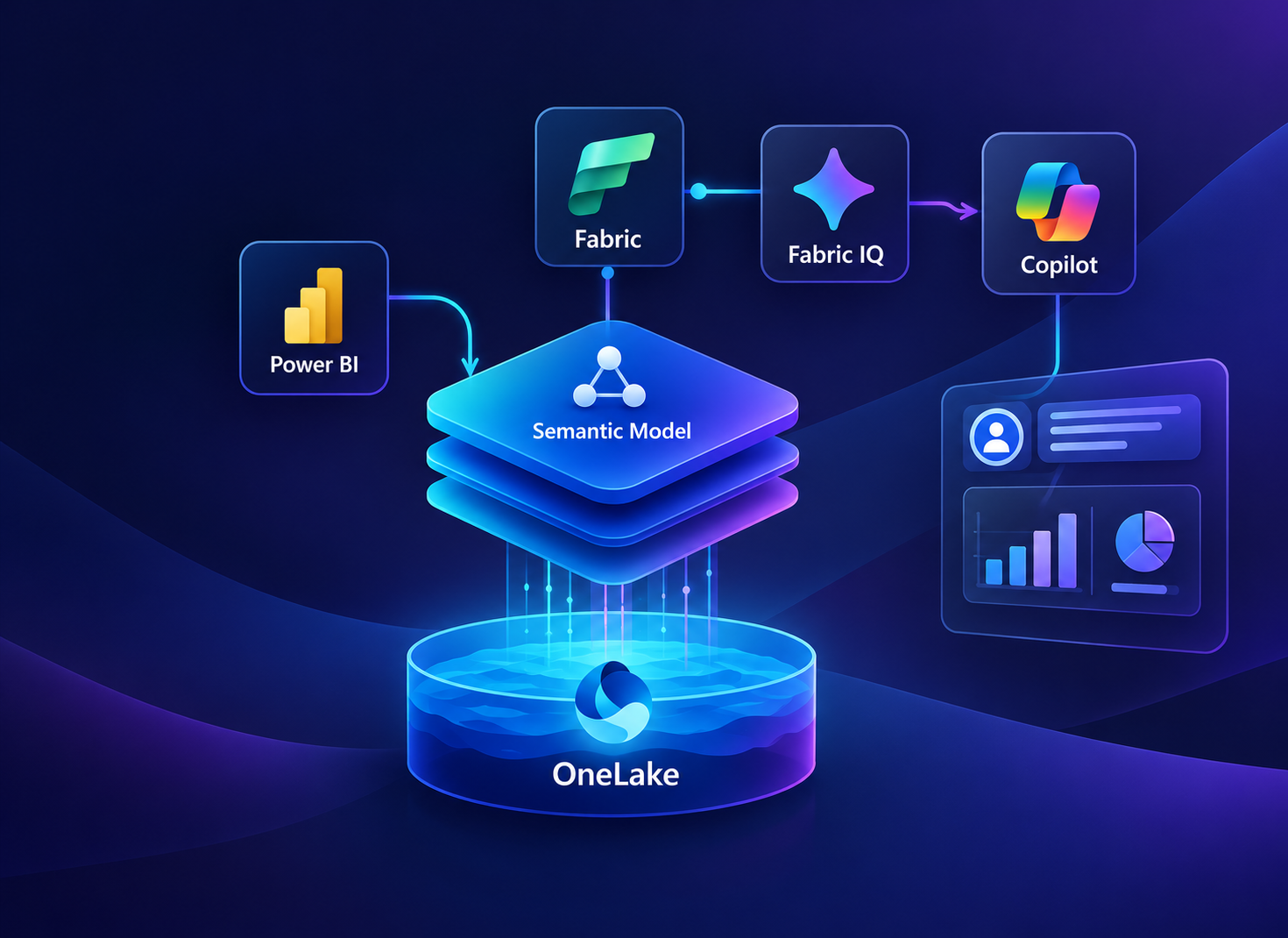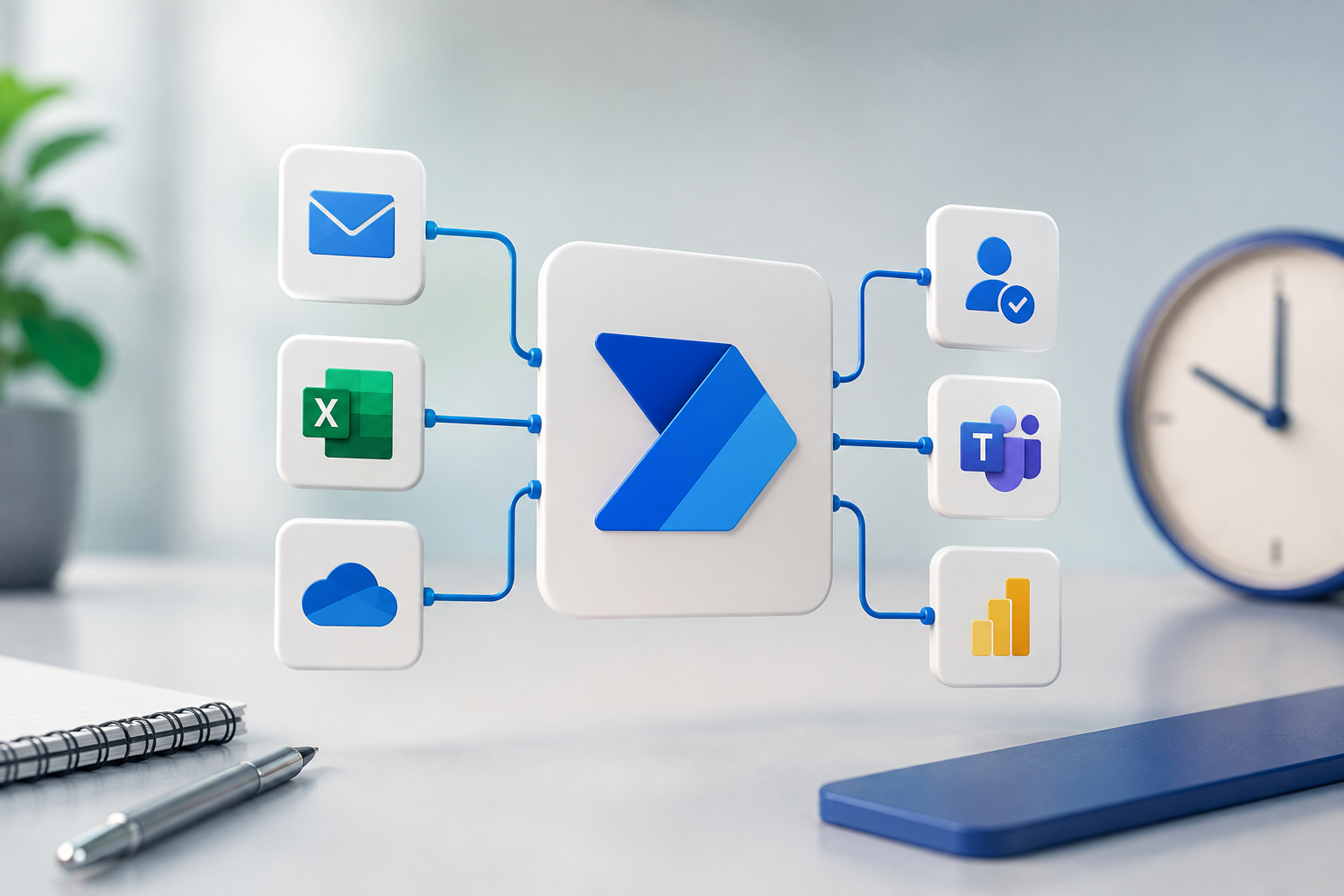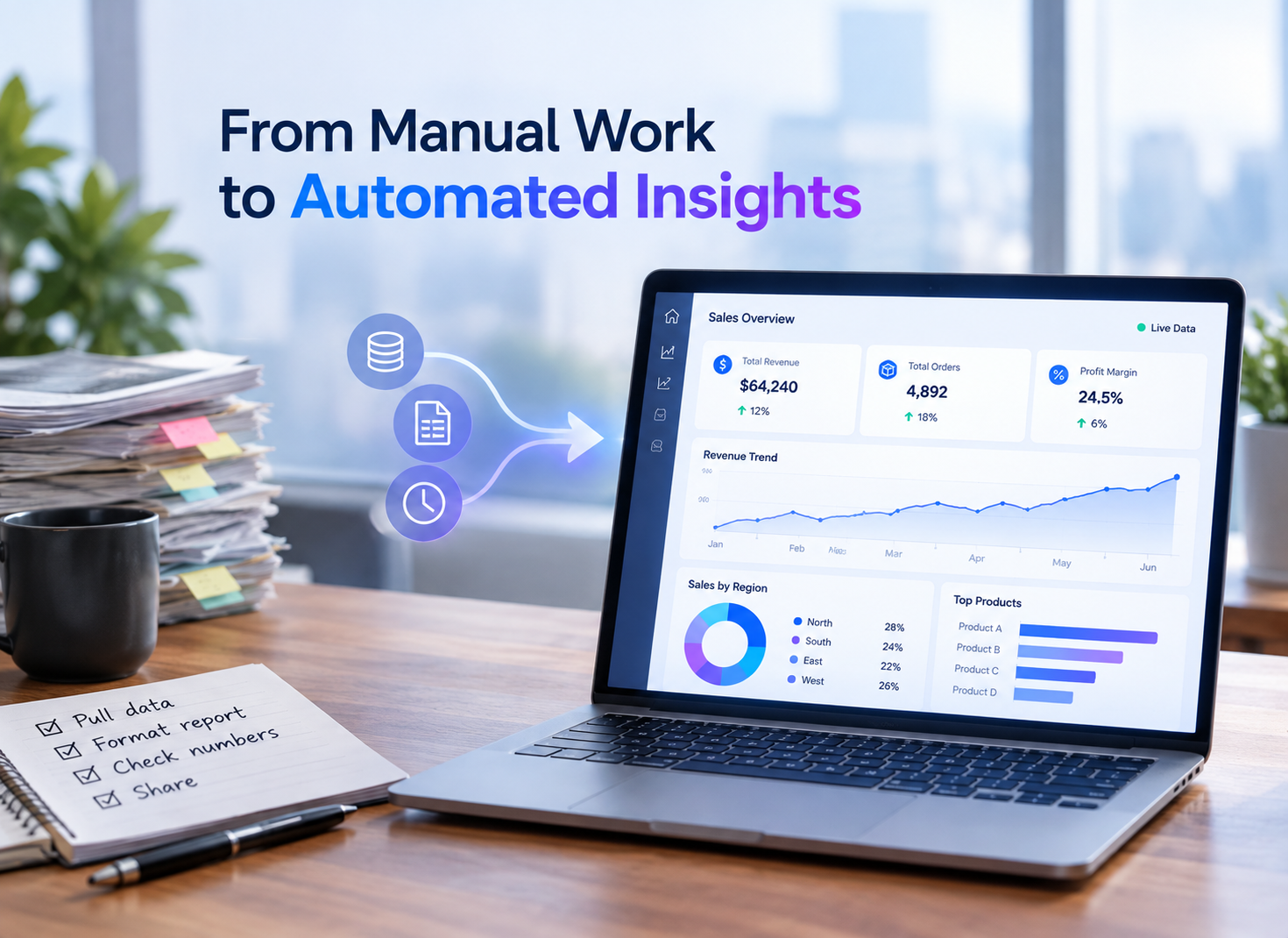
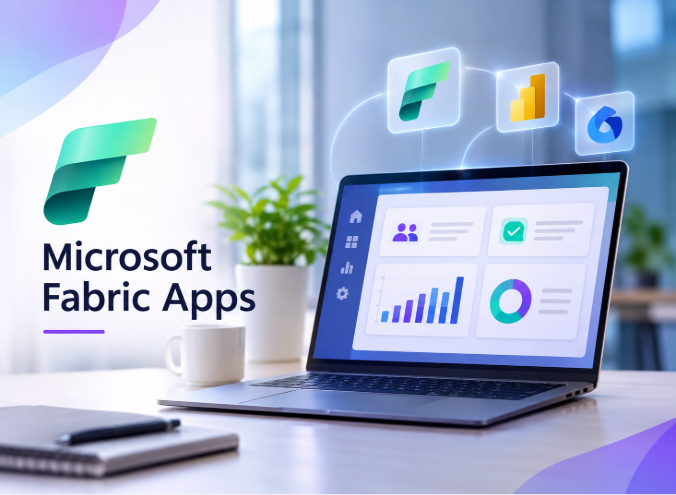
Most companies today have invested in reporting and analytics. However, those who work on the details still rely on disconnected applications, spreadsheets, and manual processes. Insights remain in one place, while the work happens elsewhere, delaying decisions. This gap is effectively closed with the help of Microsoft Fabric Apps. They let developers build custom, data-driven applications within Microsoft Fabric, bringing business data and application features together and giving teams purposeful screens to handle internal processes. Teams often create request trackers, approval screens and data exploration tools without setting up servers, databases or other sign-in systems. What Are Microsoft Fabric Apps?Fabric Apps are the best way to develop custom, data-driven applications within Microsoft Fabric. Developers define the data model in TypeScript, and the platform generates databases and APIs, handles sign-in and hosts the apps so they work optimally. Here’s how Fabric Apps aligns with the wider ecosystem of Microsoft Fabric:
Combining these elements can improve cloud data management because apps, reports, and storage share the same permissions and workspace. Why Teams Choose Fabric Apps for Internal Business ToolsThe benefits of Microsoft Fabric Apps depend on how the platform handles hosting, access, data and team security. In its fiscal year 2026 third-quarter earnings report, Microsoft reported that Fabric has over 35,000 paid customers, a significant 60% increase from the previous year. Quicker Delivery From Idea to Live AppMicrosoft explains that it can turn an idea into a live URL in minutes because the infrastructure is preconfigured. Teams often skip weeks of setup work before they can show anything. Fewer Backend Tasks for DevelopersDevelopers explain the data model once in TypeScript. Fabric Apps would generate the database schema, the GraphQL endpoints and the sign-in flow, helping the team write less backend code. Access Rules That Follow the DataThe app lives in a Fabric workspace so that the item permissions and row-level rules apply to it. Teams planning on using Power BI, Fabric IQ, and Copilot as a single stack get consistent definitions across agents, reports, and apps. Reliable Releases Through Git HistoryApp code is simple TypeScript so that it can remain in a Git repository with an entirely changed history. Strong Microsoft Fabric DevOps can turn risky releases into routine ones and rollbacks, keeping recovery quick for the entire data team. A Ready Backend for AI and Agent ProjectsMicrosoft will list both AI and agent applications as the best fit since agents seeking persistent state would use the app backend for storing it. Teams already exploring data agents in Microsoft Fabric will pair them with an app recording each decision for reviewing later. Key Fabric Apps Features and Their Practical Business UsesThe features mentioned here handle all the jobs developers do. Each use case will show where it can actually help with real processes. Code-First Data ModelsData models are specifically TypeScript classes. Decorators often mark each category as text, date or ID, and the platform turns the definition into database tables. This keeps the model as the single, clear source of reality. Key Features:
Use Cases:A team can model a request tracker with owners and statuses, giving staff a form instead of a spreadsheet. Generated GraphQL EndpointsEach data class will get a GraphQL endpoint without any manually written server code. A type-safe client checks for queries and changes before they reach the backend. This would detect the mistakes sooner and keep both data and frontend in sync. Key Features:
Use CasesA custom frontend for every regional sales team can check out one API and display filtered records for the right managers. Typed Fabric ConnectorsTyped connectors give an app access to a lakehouse, warehouse, SQL database in Fabric or semantic model. Teams would reuse governed data that exists already instead of copying it into a different store for every tool. Key Features:
Use CasesAn analyst can build a data exploration screen that queries a lakehouse and displays results in a custom visual layout. Built-In App DatabaseThere will be separate, managed SQL databases in Fabric for app data. The schema is derived from the TypeScript models and shown in the portal as read-only, meaning changes are made in the code and are visible. Key Features:
Use CasesTeams doing Digital Transformation & Process Automation would replace email-based approvals with an app that saves many requests and approvals. Single Sign-On and Record AccessMicrosoft Entra ID offers Fabric single sign-on as well as logs sign-ins. All communication between Fabric deployments is done via HTTPS, and all access to the services is controlled for each sign-in user by a rules specification written using role decorators that determines who can view which records at what level. Key Features:
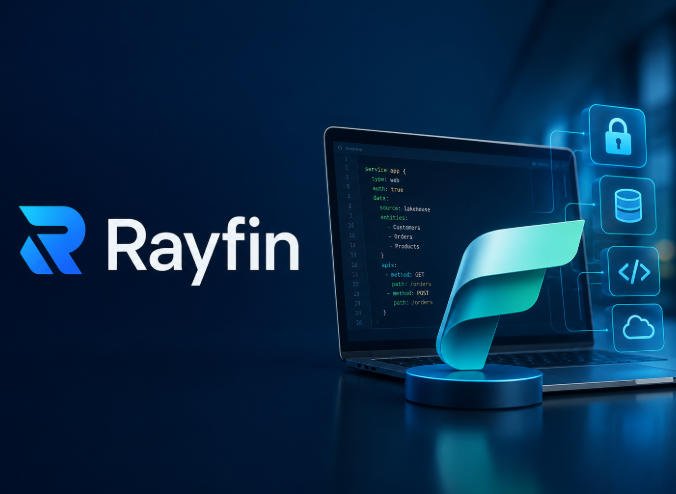
Use CasesThe default admin panel view lists the records for the manager's team, without writing any new code for user administration. Rayfin Hosting and One-Command DeploymentThe Rayfin command line tool deploys the app to Fabric, which creates the child services and serves the frontend from a Fabric hosting address. Fabric then handles hosting, networking and scaling for the running app. Key Features:
Use CasesA team can turn a prototype into a shared link for pilot users quickly, then collect feedback before investing further. Docker-Based Local Build EnvironmentThe full stack runs locally on Docker, so developers can build and test before deploying. GitHub Copilot can help scaffold and develop the project, and the Rayfin command-line tool later deploys it to Fabric. Key Features:
Use CasesA developer can test a new approval flow with sample data on a laptop, then share only the finished version. How Professionals Support Your Microsoft Data and App ProjectsA Microsoft data and application strategy decides which insights stay in reports and which need a purpose-built app. An enterprise IT consulting firm that helps clients plan and deliver Microsoft analytics, cloud and automation projects. The professionals can support this work in four areas:
Clear ownership and secure data access save rework later. Contact us today to talk through which internal tools fit your Microsoft Fabric setup. Frequently Asked Questions1. Are Fabric Apps ready for critical production workloads?Fabric Apps are in preview, so features can change and some regions lack support. Run a pilot and recheck Microsoft Learn before relying on one. 2. Which frontend frameworks work with Fabric Apps?Any framework that can make HTTP requests works, including React, Vue, Angular, Svelte and plain JavaScript. Only data model definitions must be written in TypeScript. 3. Can Fabric Apps use sign-in providers other than Microsoft Entra?No. Once deployed to Fabric, apps use Microsoft Entra single sign-on only, and custom authentication providers are not supported, so plan around that limit early. 4. How long does the first deployment take?The first deployment takes about two to five minutes, and frontend-only redeploys can finish in 30 to 60 seconds with the Rayfin command line tool. 5. Can teams run separate development, staging and production environments?Only by manually managing separate workspaces. Built-in application lifecycle management is not supported at this time, so teams should plan their own release routine.
|
What Are Microsoft Fabric Apps? Features, Use Cases, and Benefits

Share with your community!
BLOGS