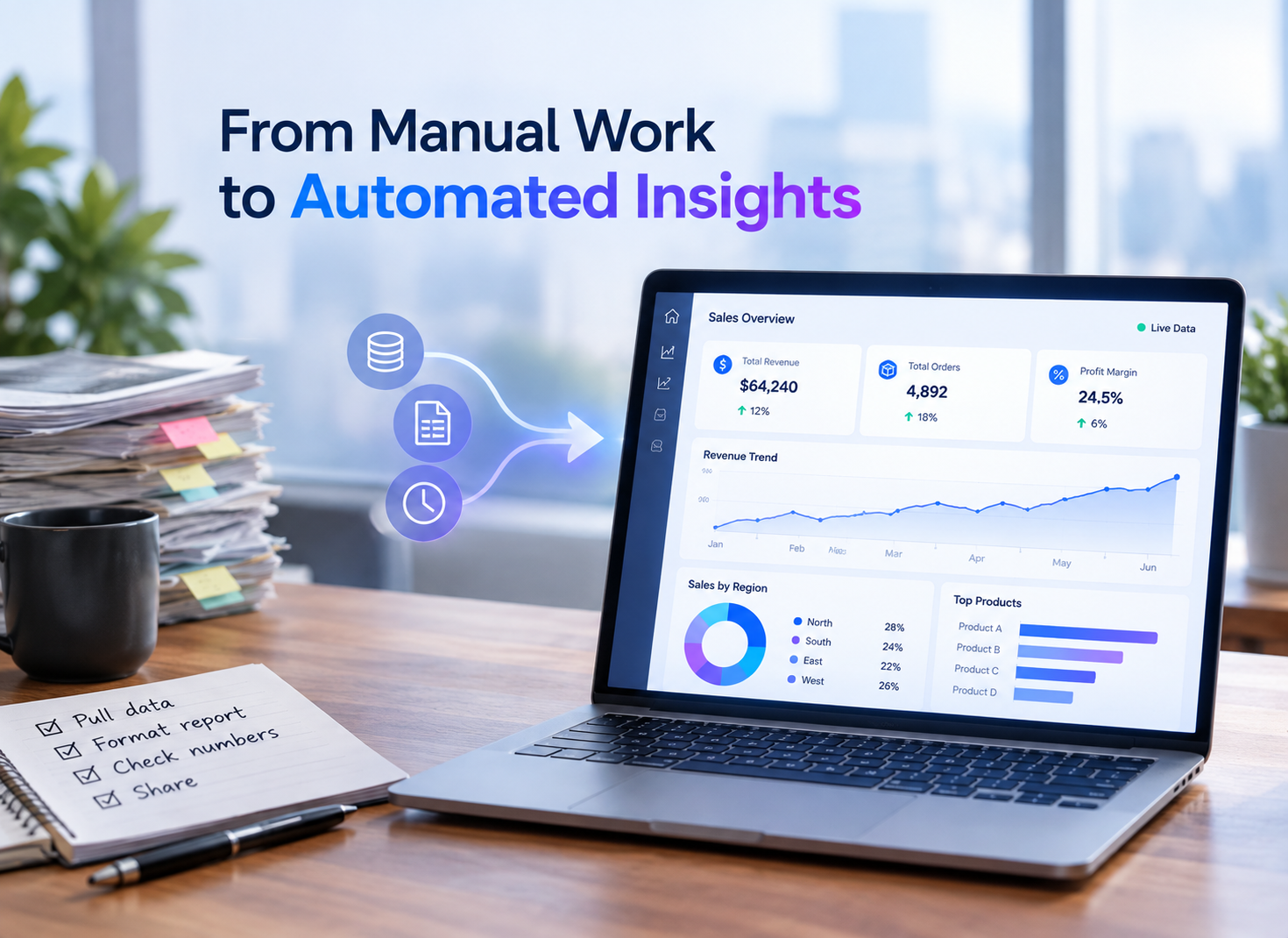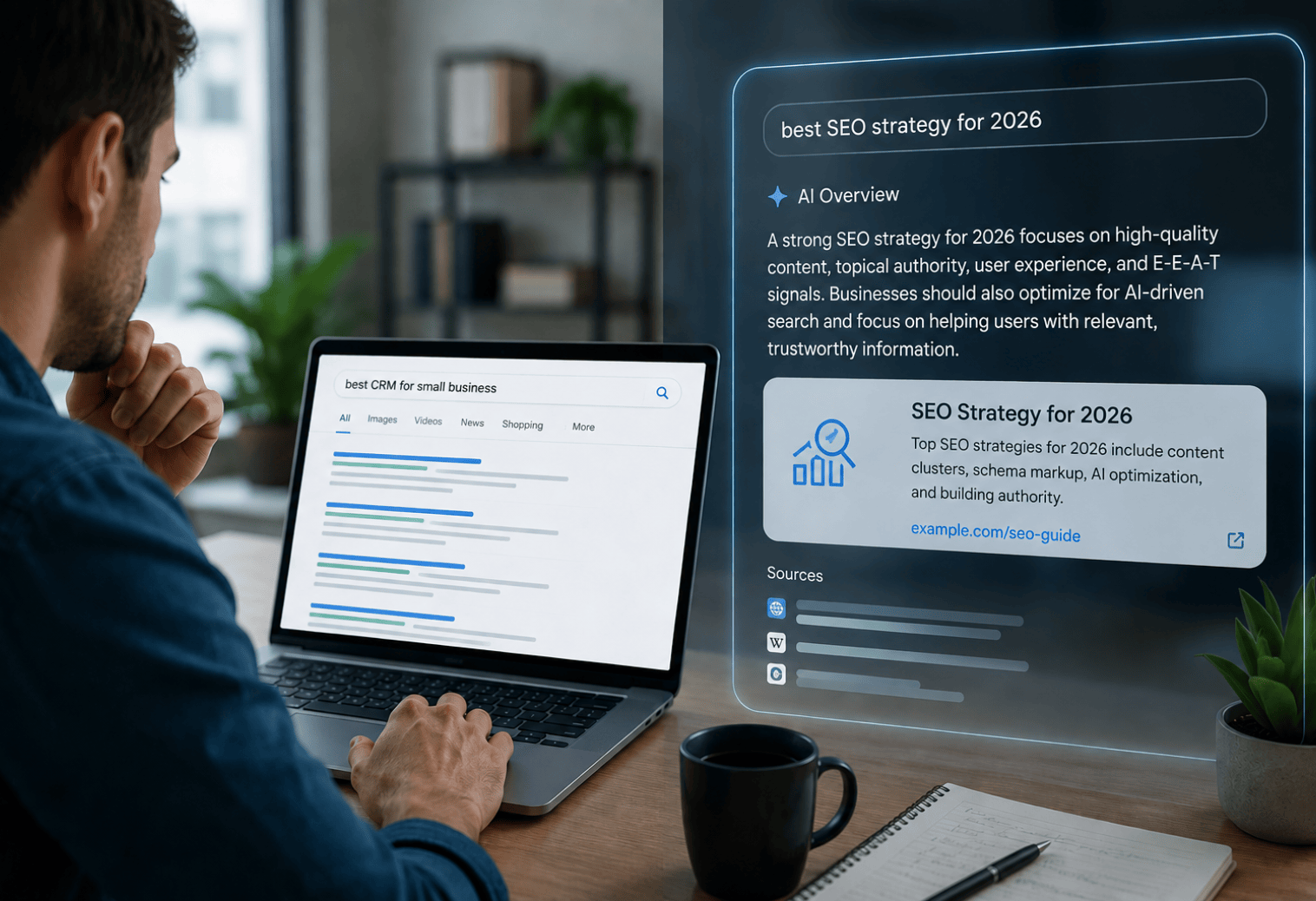

Most businesses today have a long list of repetitive, manual tasks that silently consume staff time daily, ranging from routing approvals to copying data between systems. The main challenge isn't recognizing that automation can help. It depends on knowing exactly where to start without committing for months to a single sprawling initiative. Microsoft’s ecosystem makes this far more approachable than most businesses expect. This is where workflow automation with Microsoft Power Automate comes in: applying it through specific daily processes without a dedicated development team or lengthy rollouts. So, let’s guide you through exactly which automation wins can deliver results that are evident in just one month and how to prioritize each. The Case for Prioritizing Quick Automation Wins FirstMajor automation approaches often slow down when the initial results take months instead of weeks to arrive. Starting with smaller, clearly defined wins keeps a project moving and builds the internal support needed to sustain automation as an ongoing strategy. A couple of reasons smaller automation projects succeed initially are:
With this in mind, businesses can set realistic goals before undertaking any automation project. Identifying reliable process automation opportunities in a business is extremely complex. Professional guidance can bridge the gap between an immediate win and a stalled initiative. So, understanding which processes will deliver immediate, clear wins makes every approach easier to plan and communicate to leadership. That’s especially important when justifying future automation investment. Recently, Gartner targeted the market for software that focuses on hyperautomation. They projected the approach to reach $1.04 trillion this year. This represents significant growth at a compound annual growth rate of 11.9%. This long-term investment shows how central automation has become to daily business operations, from startups to larger organizations. Practical Business Automation Ideas, Opportunities & RoadmapA few areas consistently deliver immediate results, making them a practical enterprise workflow automation roadmapfor most businesses. Here’s a snapshot of how each automation idea compares:
Each idea offers opportunities worth exploring in detail before choosing a starting point. Automating Everyday Approval WorkflowsEvery manual approval process involves expense reports or leave requests that get stuck waiting for a single person to notice and act. Automating workflows can eliminate this bottleneck immediately, keeping every request moving even when no one is handling it. This type of automation typically involves:
Automating approvals often sets the stage for immediate wins. The logic behind most approval chains is already well understood. Once these workflows are built, they generally will need less maintenance. This makes them a low-effort, high-reward place to start. The Growing Scale of Process Automation Technology
Source: Precedence Research, “Robotic Process Automation Market” This consistent growth highlights how widespread business automation adoption has become not just for enterprise-level businesses with dedicated technical teams, but for organizations of all sizes. Streamlining Email and Notification Alerts AutomaticallyAnother major challenge businesses face in day-to-day operations is missing important updates. They get buried in busy inboxes, delaying action on time-sensitive tasks. Automated notifications ensure the right teams or people are notified the moment something needs urgent attention. Common notification automations include:
Typically, automation involves quick setup and delivers reliable, near-instant improvements in overall team responsiveness. Combining these alerts with automated reporting dashboards gives teams full insight into which processes need urgent attention. Syncing Data Between Everyday Business AppsManually copying every detail across systems such as spreadsheets and CRMs is time-consuming and increases the risk of easily overlooked errors. Automated syncing maintains data consistency across connected systems without manual intervention. Typical data syncing automations include:
Automated data syncing can detect small errors that might arise from manual handling. Once data is used across connected systems, most businesses find it better to use Microsoft Power BI services. Accurate dashboards rely entirely on the data feeding them. Automating Document Generation and RoutingAnother repetitive task businesses face is creating and distributing scheduled documents, such as contracts or onboarding paperwork. This frees up time that would otherwise be spent on manual formatting and sending. This type of automation often covers:
Automating this process can save teams several hours each week that were previously spent on repetitive admin work. Effective cloud data management solutions keep these documents organized and easy to retrieve even after the automation runs. Building Simple Onboarding ChecklistsOnboarding programs for new clients and employees often follow the same manual process. Automating these checklists keeps everything aligned and ensures nothing is missed as onboarding volume increases. Onboarding automation typically includes:
A well-structured onboarding checklist scales as the volume of new clients and employees increases. This highlights the benefits of cloud data management, as onboarding details need to remain organized and easily accessible across multiple connected systems. Dream IT Consulting Services Turns Automation Plans Into PracticeTurning automation ideas into working, reliable workflows requires more than access to the right software; it requires practical implementation experience and a clear sense of which tools fit together. Dream IT Consulting Services brings this hands-on experience as a Microsoft Solutions Partner, helping businesses move from early ideas to fully functioning workflows. Partnering with Dream IT typically means access to:
Contact us today to turn your very first automation idea into a genuinely fully working, reliable solution. Final Thoughts on Getting StartedAutomation doesn't need to start with a massive, months-long initiative to deliver genuine, lasting value. Focusing on a handful of well-chosen, achievable wins early on builds the momentum and internal confidence that larger, more ambitious automation efforts depend on later. Businesses that treat automation as an ongoing, deliberate habit, rather than a single project with a fixed end date, tend to keep finding new opportunities long after their first workflow goes live. The businesses that get the most out of automation over time are rarely the ones with the most sophisticated tools; they're the ones willing to start small, learn from what works, and build on that foundation deliberately. That mindset, more than any specific platform or feature, usually separates automation efforts that stick from those that quietly stall after the initial excitement fades. Frequently Asked QuestionsDo I need any prior coding experience to use Power Automate?No, Power Automate is a low-code tool, so that you can build most workflows visually with a drag-and-drop interface without traditional programming knowledge. How quickly can a new Power Automate workflow actually go live?Simple workflows, like approval routing or basic notifications, can often be built and deployed within a few days, depending on complexity and how many systems need to be connected. Can Power Automate work alongside the tools we already use today?Yes, it integrates smoothly with most Microsoft 365 applications, including Outlook, SharePoint, and Teams, and also connects to many third-party tools through built-in connectors.
|
5 Automation Wins You Can Deliver in 30 Days Using Microsoft Tools



Share with your community!
BLOGS